We use cookies and your information. By continuing to use this website, you accept our Terms of Use and Privacy Policy. Please check and decide.
How to Install a Diagnostic iPhone Battery – Quick Setup Guide
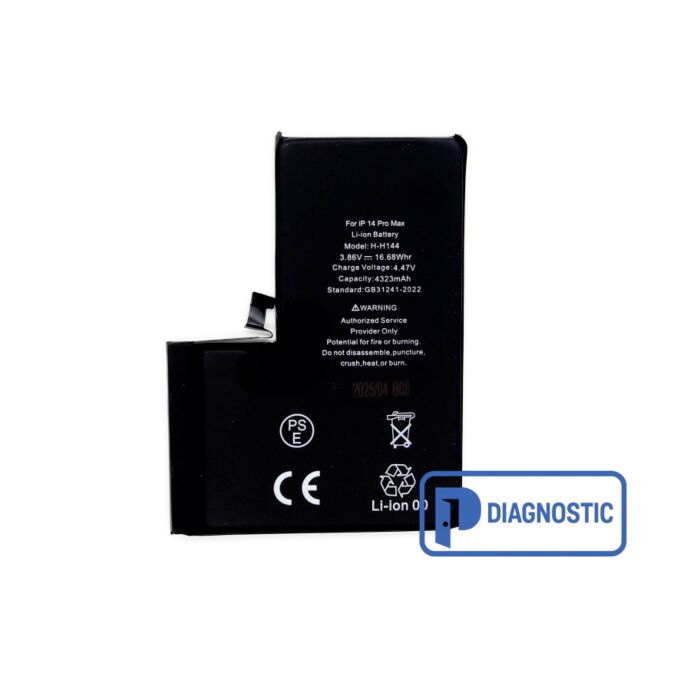
Our diagnostic iPhone batteries are designed for fast, hassle-free installation. Unlike standard replacement batteries, these do not trigger the "non-genuine battery" pop-up once properly reset—no flex cable transfer or serial number programming required.
Follow these simple steps to install and reset the battery warning:
Install the battery as you would with any iPhone battery replacement. No need to reuse the original flex cable.
After installation, turn on the iPhone and go to: Settings > Battery > Battery Health & Charging.
Tap “Battery Health” and perform a Battery Diagnostic Check.
Once the reset is done, restart the iPhone.
The “Important Battery Message” warning will disappear automatically after reboot.
No serial number matching needed & Perfect for technicians and DIY users.
Check out this video for more details: https://youtube.com/shorts/rxx5jF8CEqQ